|
Desks
|
Includes all individual and shared workspace, such as cubicles, workstations, touchdown stations and single office. These spaces can be fully enclosed or within an open work setting.
|
Desk\
Workstation\
Cubicle\
Touchdown stations\
Single office
|
|
Meeting Rooms
|
Incorporates all enclosed collaboration spaces for scheduled meetings, including training rooms, focus rooms, huddle rooms and project rooms. These spaces typically feature AV equipment and are used for formal meetings and therefore are mostly bookable.
|
Bookable meeting room\
Training room\
Focus room\
Huddle room\
Project room
|
|
Collaboration Areas
|
Incorporates all open collaboration spaces like open meeting areas, break out areas, lounges, library etc. that are designed for spontaneous meetings and therefore are oftentimes non-bookable.
|
Break out area\
Lounge\
Library
|
|
Other
|
Everything else
|
Phone booth
|
## Managing space types
In Locatee Analytics, space types are automatically set during processing of the floorplan DWG file.
It is possible to modify a space type, for example if it was set incorrectly.
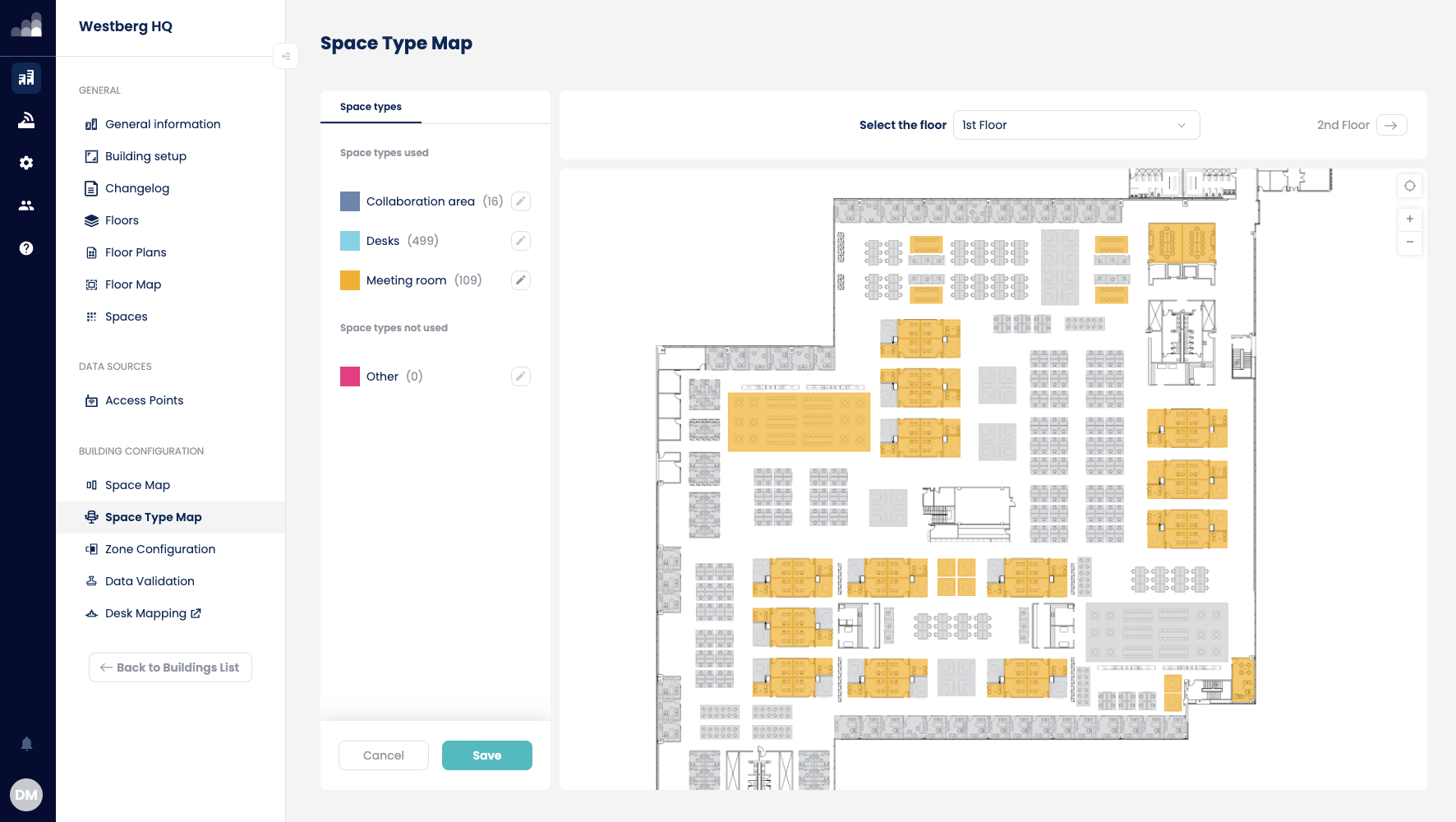
1. Go to **Admin → Buildings → Space Type Map**
2. Click the pencil icon for the desired space type, then click on the space whose type you wish to modify.
3. Click **Save** to confirm.