

- Select Building sidebar component
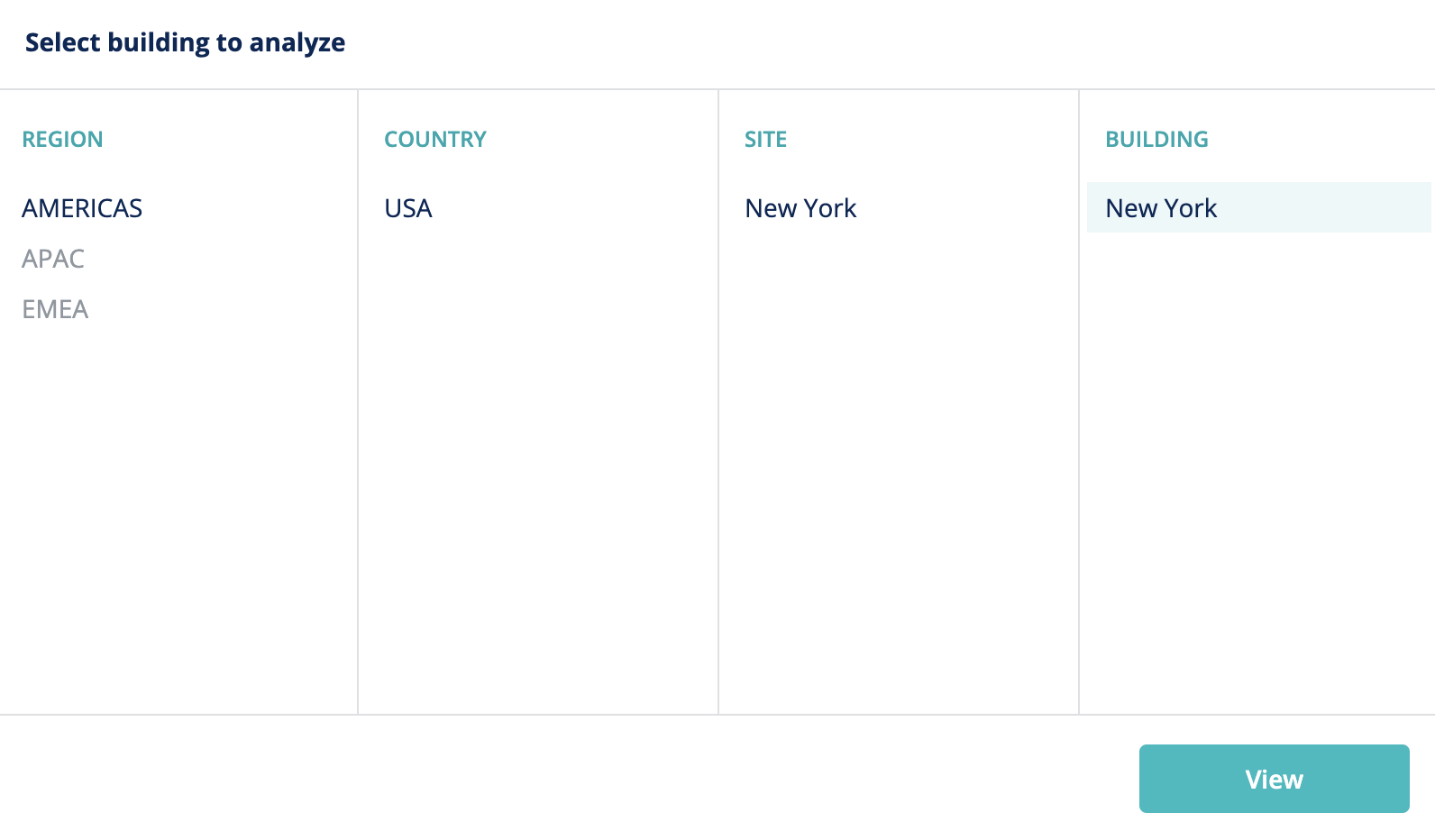

- Portfolio Overview buildings list

- Portfolio Overview region filter
Geo hierarchy explained
Using the examples above, there are two key terms that describe geo hierarchy components:- Geo levels: the levels within which the geo hierarchy is split. In the case above, the geo levels are Region (level 2), Country (level 1) and Site (level 0).
- Geo level entries: the component parts of each geo level, and the nesting methodology by which they associate with each other. In the case above:
- New York is a Site, which is a child level of United States.
- United States is a Country, which is a child level of Americas.
- Americas is a Region, which is at the top level (has no children).
- Americas (Region)
- United States (Country)
- New York (Site)
- New York (Building)
- New York (Site)
- United States (Country)
Configuring the geo hierarchy
- Go to Admin → Settings → Geo Levels
- Click New Geo Level
- Create the required number of additional geo levels. Level 0 (Site) already exists and cannot be removed.
- Go to Geo Level Entries
- Click New Geo Level Entry
- Type the Name, select the correct Geo Level and parent entry, if applicable.