

prod.customer.ch.locatee.com, which is composed of:
- environment:
prodoruat - customer name
- hosting region:
ch(Switzerland),eu(European Union), or others
Logging into Locatee Analytics

- Open the Locatee environment URL in your web browser.
- Click on Log in with Single Sign On
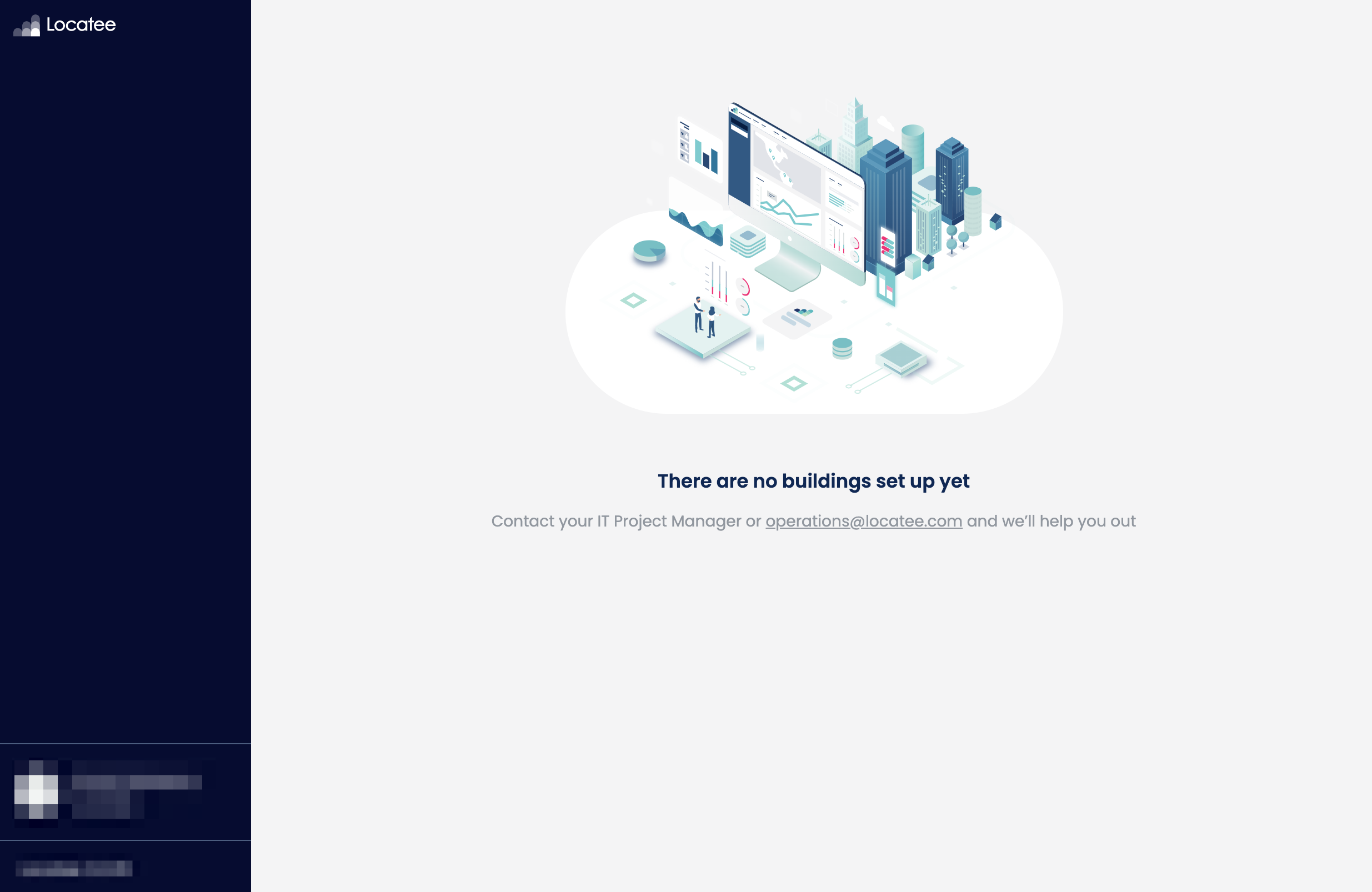
📘 SSO Locatee supports the configuration of various SSO providers such as Google, Auth0, Okta or Azure AD. More information here.An information page will appear, prompting to begin the setup of your first building.
Locatee Admin
Locatee Admin enables you to manage Locatee for your entire organisation, for example:- connect data sources
- define user access roles
- customise assigned workplaces/zones