

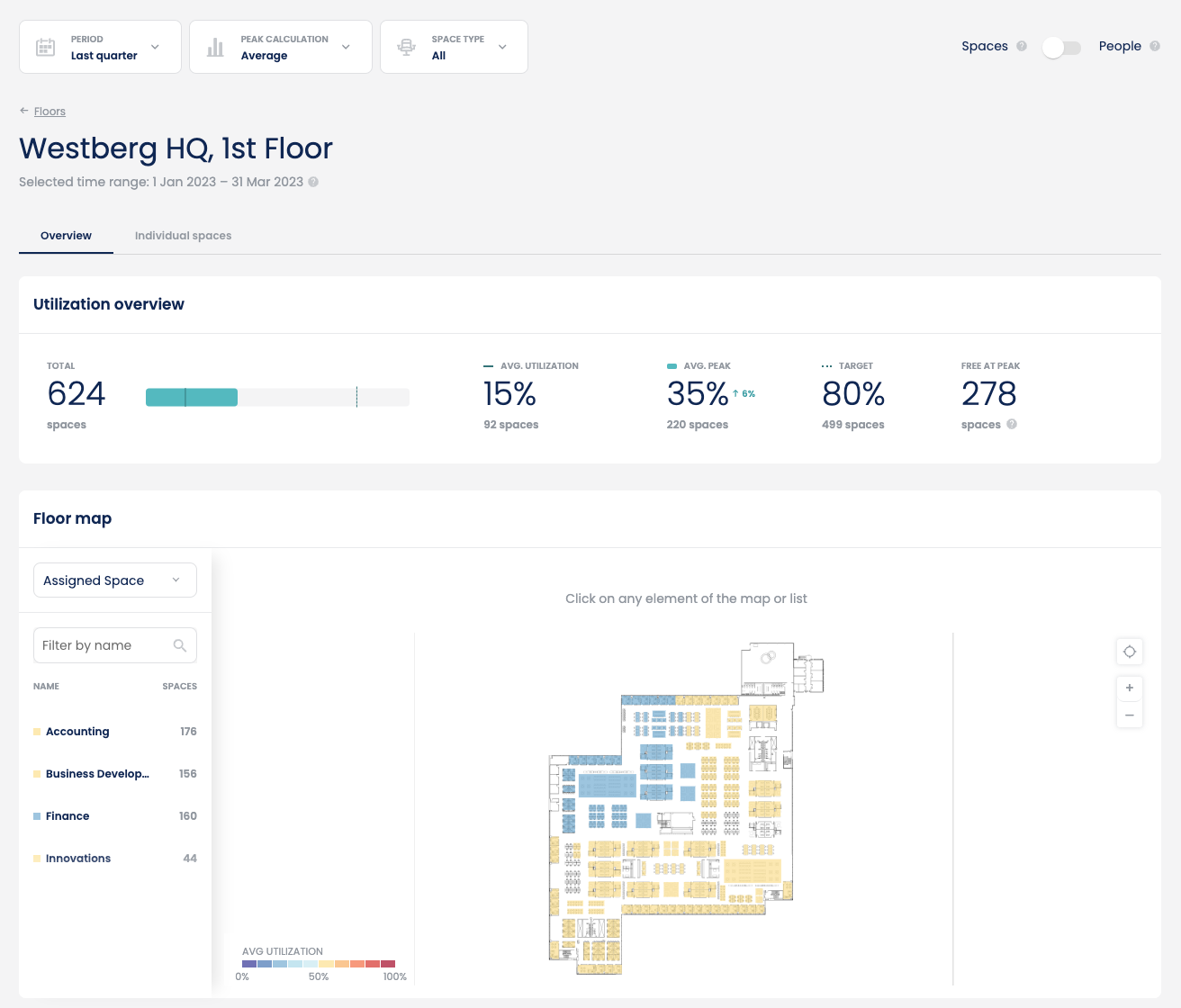
Floor key metrics
 The following key metrics are available on a floor level:
- Floor capacity (Total)
- Average, peak and target
- Free at peak
Floor map
The floor map allows for granular floor-level utilisation analysis. Floor maps are created and configured for each building by Locatee’s CAD design service.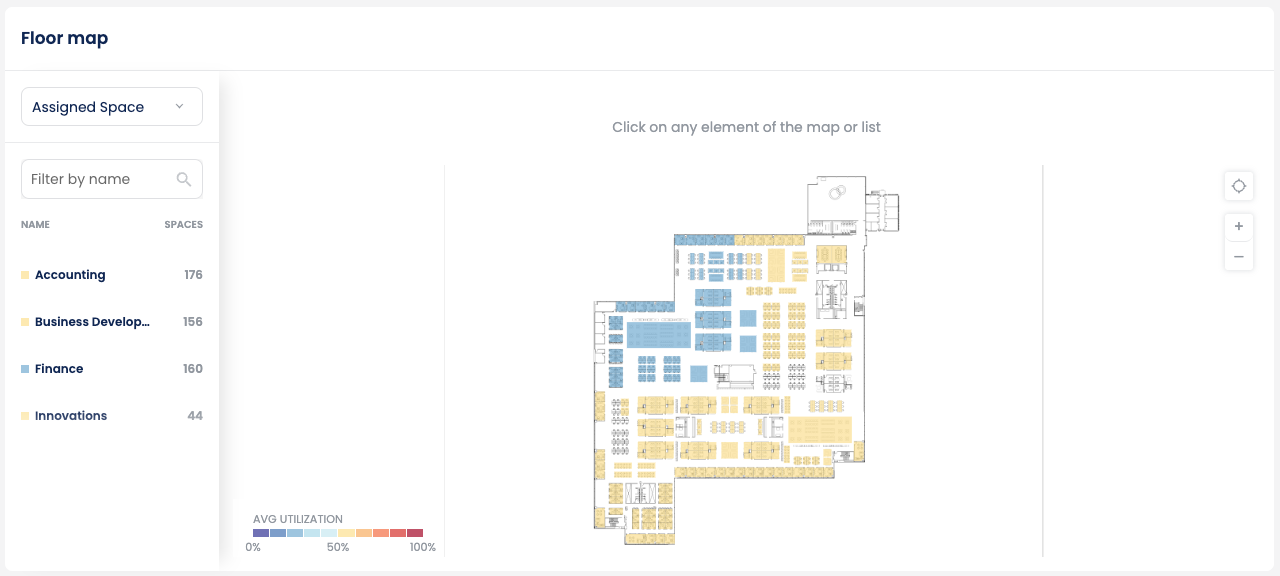
Floor map controls
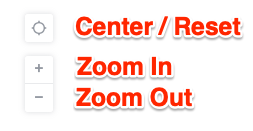
- Center / Reset: Centers and resets the floor map and zoom level.
- Zoom In / Zoom Out: Allows users to zoom in and out on the floor map.
- Panning: Clicking and dragging on the floor map with a mouse allows users to pan around the floor map. There is no on-screen control to perform panning.
- Rotating: Rotate by pressing the Shift button on a keyboard and simultaneously clicking and dragging the floor map with a mouse.
Space set category dropdown
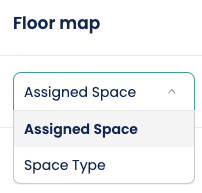 This dropdown allows users to choose which space set category should be displayed in the floor map.
Space sets
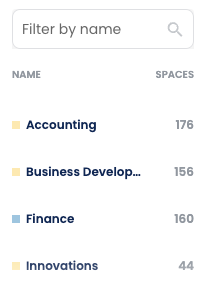
- The groups of spaces (space sets) under the selected space set category.
- The colour indicates the utilization level for each space set ranging from light blue (low utilization) to dark red (high utilization).
- Clicking on a space set highlights it on the floor map.
- The number of desks (or spaces based on the space type filter selected) indicates the capacity of each space set.
Space set metrics
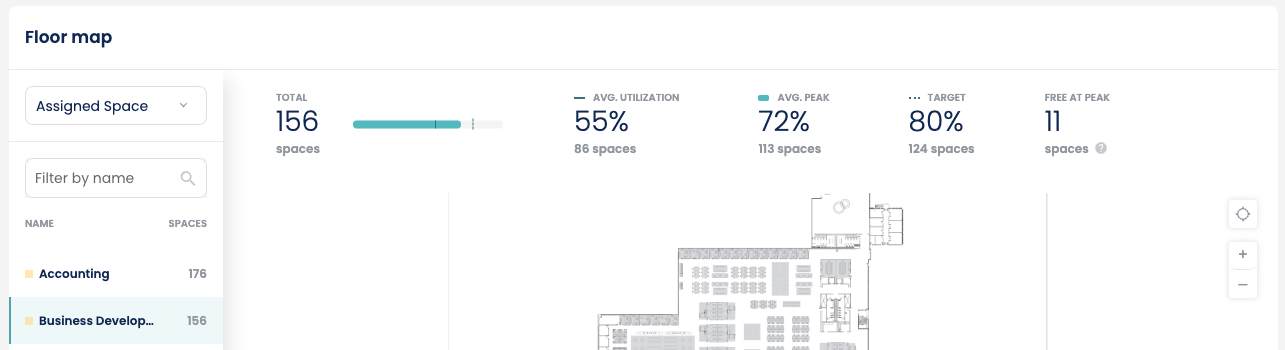 The space set metrics appear when a space set is selected from the list. The following metrics are available:
- Capacity
- Average
- Peak
- Target
- Free at peak