Overview
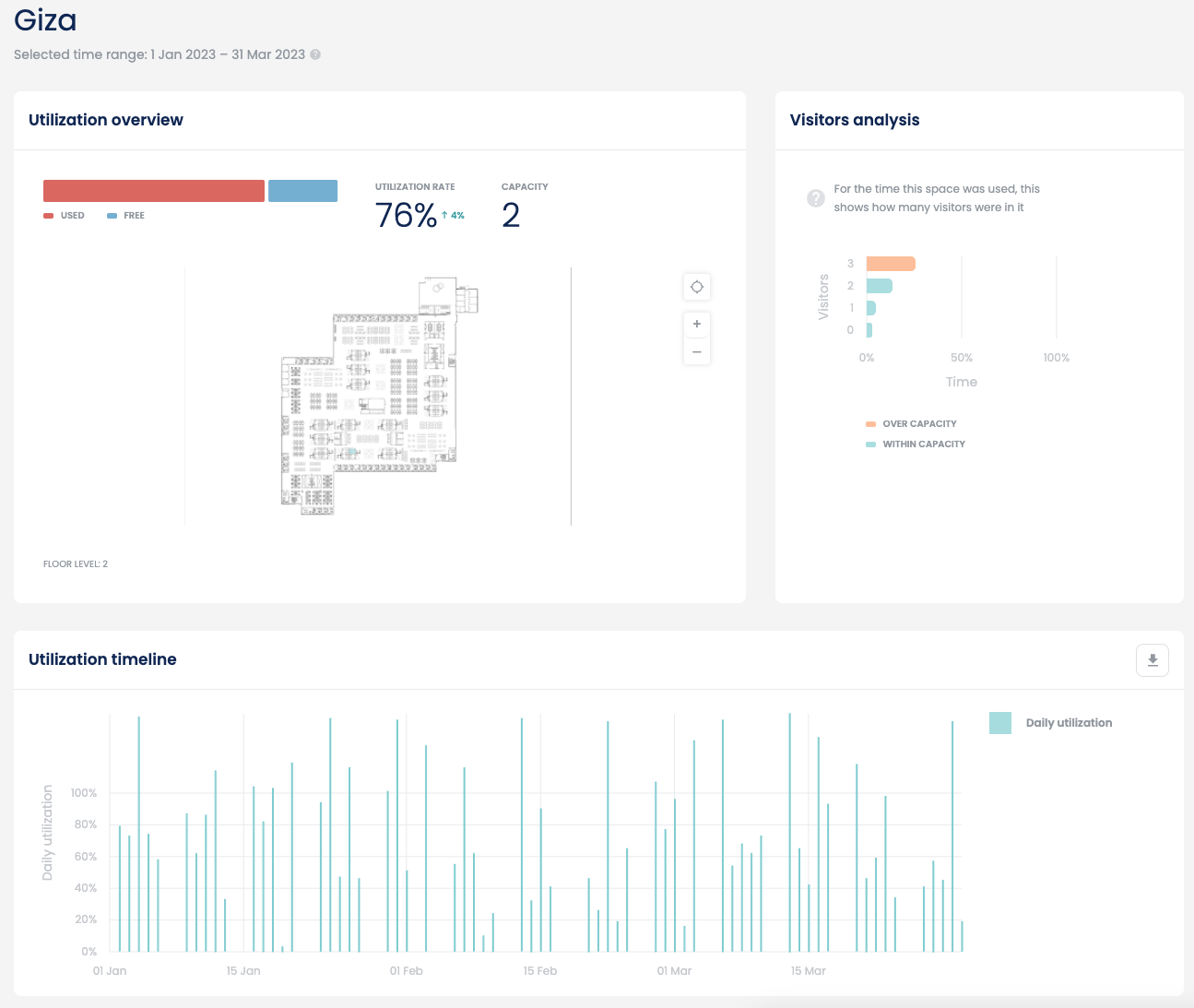
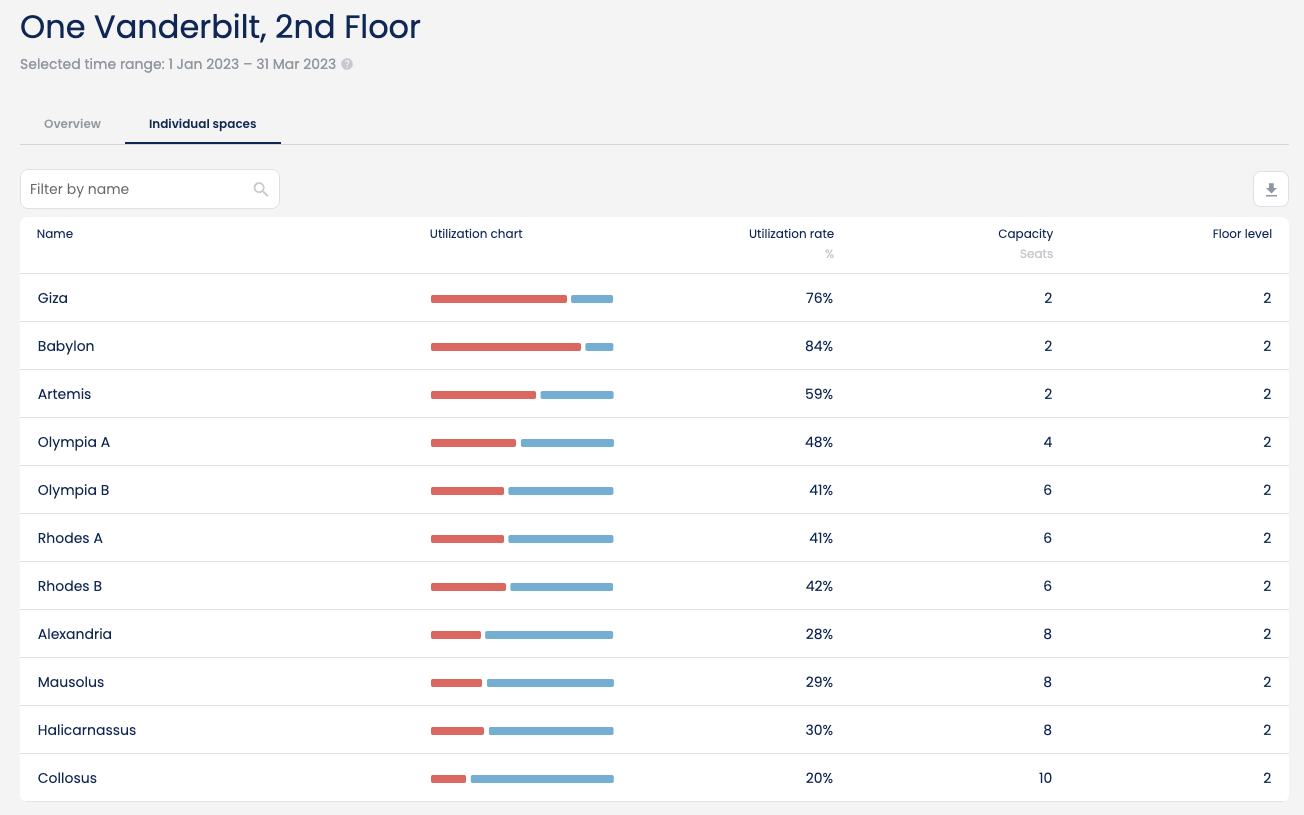
The individual spaces tab only appears for floors which have spaces with sensors or wired (LAN) connections. This view allows users to get more details around the utilisation of individual spaces. It is most commonly used with meeting rooms but it will work with any space including desks and collaboration spaces.Key metrics
Name
Indicates the name of the individual space. Note that only sensor enabled spaces will appear in the list. Spaces that are not linked to a sensor will not appear.Utilization chart
Visually indicates how much the individual space was used during the analysed time period. Red denotes used and blue denotes unused.Utilization rate
Indicates how much the individual space was used s a % of the total working hours set during the analysed time period.Capacity
Indicates how many seats the space can hold. Meeting rooms typically have a capacity of 2 or more seats. Desks typically have a capacity of 1 seat. Collaboration typically have a capacity of 2 or more seats. With collaboration spaces, the capacity might not reflect the actual number of seats (soft seating, hard seating) but rather how many people the space is designed to hold.Floor level
Indicates which level (floor) the space is on.Individual space details