

Generate an API key
You can obtain the API key using the Kio Cloud dashboard. Each Kio Cloud account user has an unique API key.- Sign in to Kio Cloud.
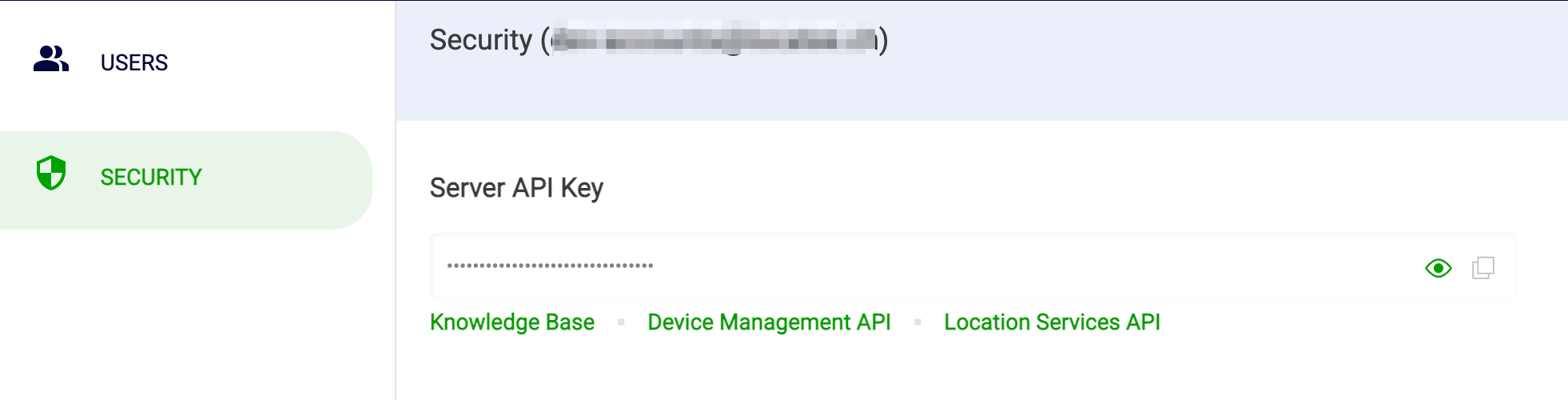
- Select Users > Security > copy the Server API Key.
 Inform the Locatee Service Desk (support@locatee.com) and submit the key in your request.